What’s New and Exciting for the Changelog as a Service WordPress Plugin
- NEW: Timeline Template
- NEW: Timeline Dark Skin
- NEW: Shortcode Template Attribute
- NEW: Gutenberg Block Editor Template Selector
- NEW: Default/Global Changelog Template Settings
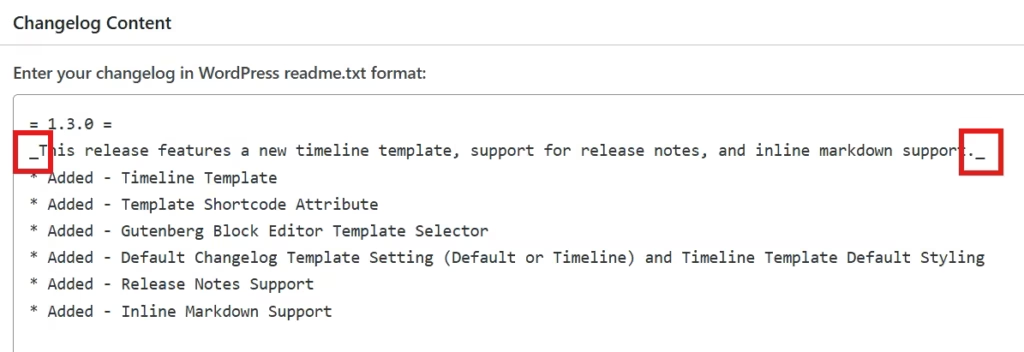
- NEW: Release Notes Support
- NEW: Inline Markdown Support
What’s New
🎉 Timeline Template
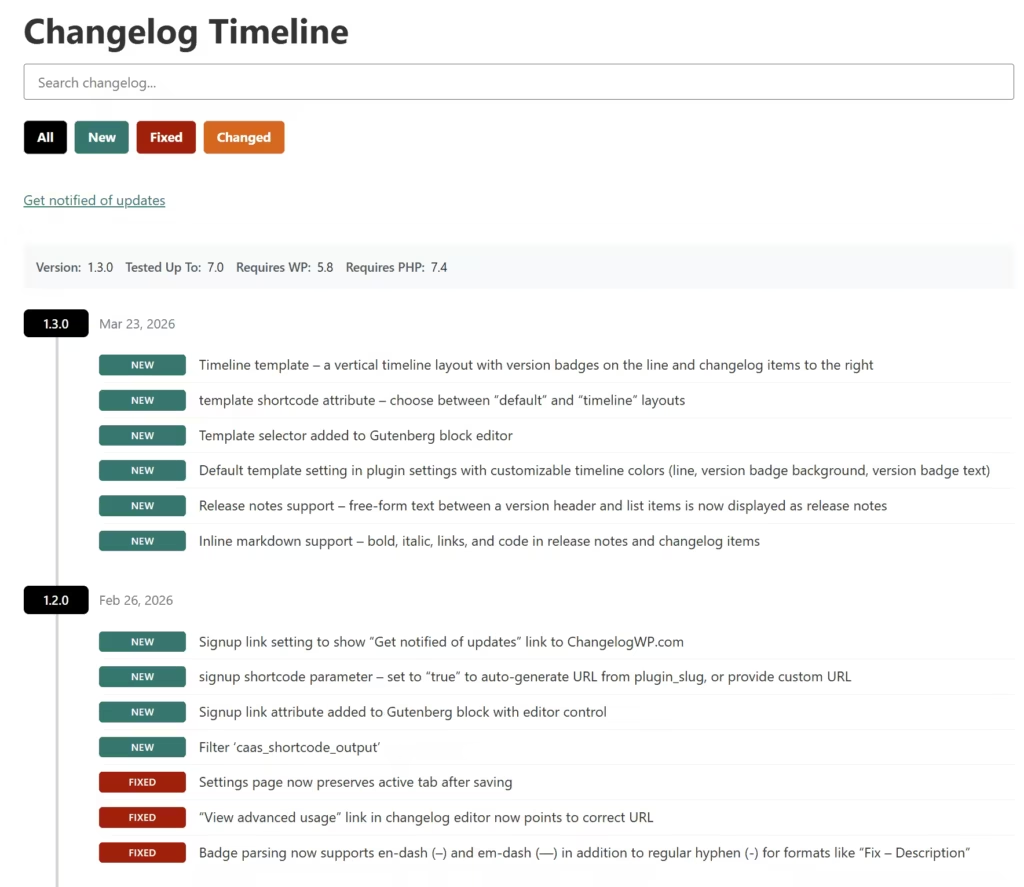
🎉 Timeline Dark Skin
The Timeline Dark Skin is a CSS drop-in to add unique styling to changelogs using the Timeline Template with darker backgrounds.
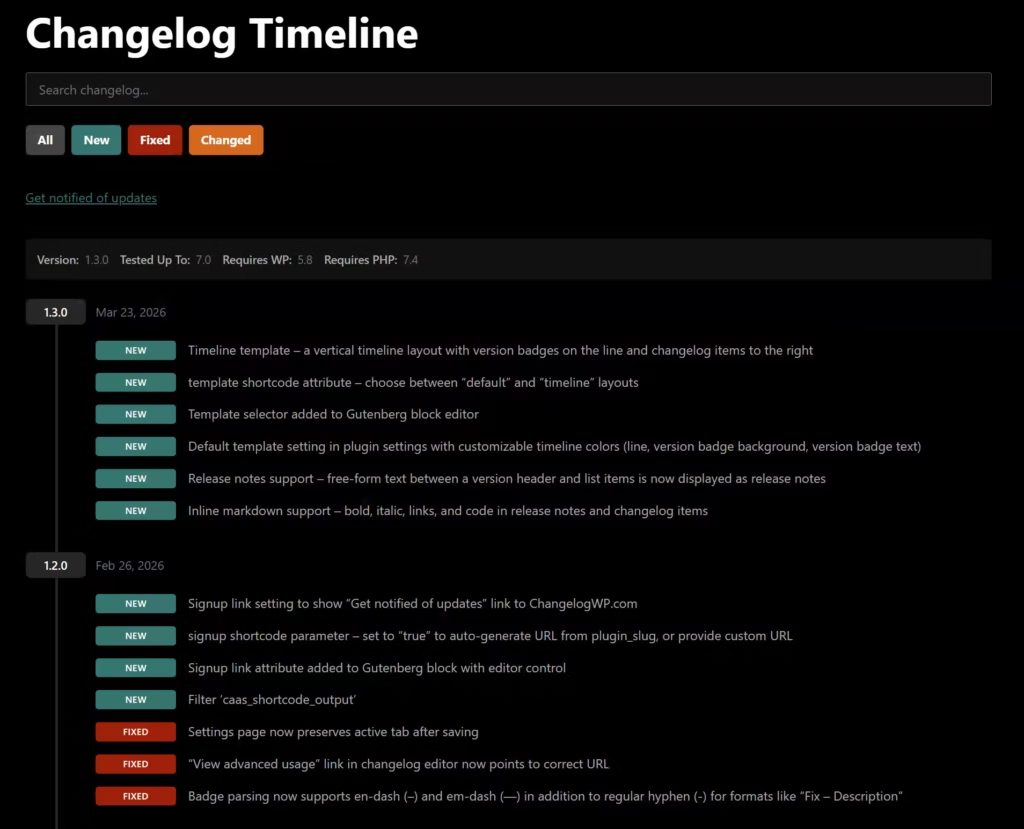
🎉 Shortcode Template Attribute
Within the shortcode builder, choose between “default” and “timeline” layouts.
🎉 Gutenberg Block Editor Template Selector
Within our changelog block, choose between “default” and “timeline” layouts.
🎉 Default/Global Changelog Template Settings
In the plugin’s core display settings, set your default changelog template (default or timeline). If you go with the Timeline Template, you can define default/global styling colors for the line, version badge, and version badge text.
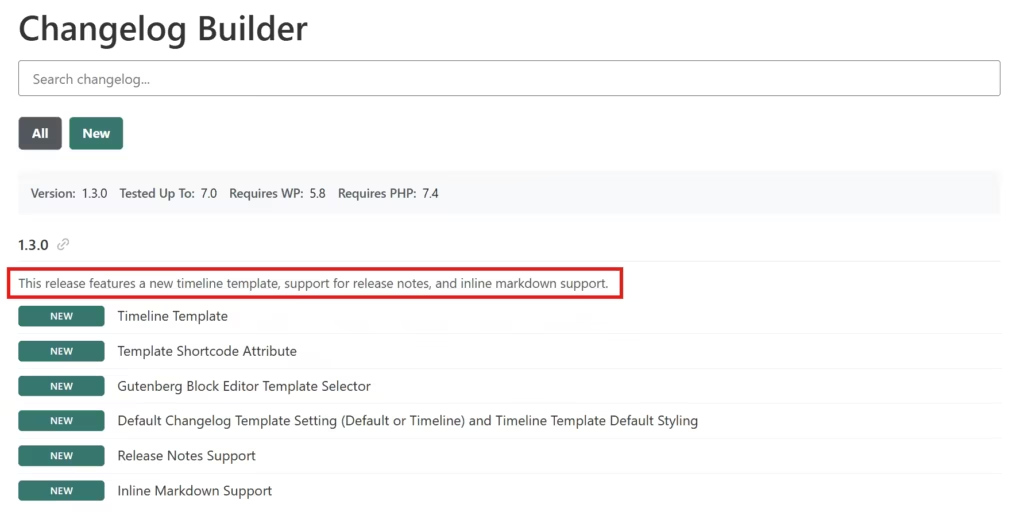
🎉 Release Notes Support
Use free-form text between the version header and list items, which is now displayed as release notes. This feature works when you build your changelog with our full builder.
🎉 Inline Markdown Support
Use bold, italic, links, and code within the release notes and changelog items.